
Download VitalSource Bookshelf – digital textbooks, study tools, educational platform, textbook access, learning resources
Overview
VitalSource Bookshelf is a digital platform designed to transform how students and educators interact with academic textbooks. Built for Windows, it allows users to access a vast library of digital textbooks anytime and anywhere, promoting flexible and accessible learning. The app serves as a centralized hub for educational content, enabling users to read, annotate, and study course materials without the need for physical books. It is particularly beneficial for students enrolled in online or hybrid programs, as well as educators seeking to streamline textbook distribution and integration into their curricula.
The platform addresses common challenges in traditional learning, such as textbook cost, physical bulk, and limited access. By digitizing course materials, VitalSource Bookshelf reduces barriers to education while supporting sustainable learning practices. Its core purpose is to enhance the study experience through structured tools and seamless access. While the developer, VitalSource Technologies, Inc., is known for its work in digital education, specific background details were not provided in the input. Real-world use cases include remote learning, exam preparation, and collaborative study sessions, where users can share notes and highlights across devices. In the broader app ecosystem, VitalSource Bookshelf plays a critical role in modernizing academic resources, aligning with the growing demand for digital-first education tools.
Key Features & Functionality
- Accessibility Anytime, Anywhere: Users can log in from any Windows computer to access their textbooks, enabling study sessions at home, in libraries, or during travel. This flexibility supports diverse learning schedules and environments.
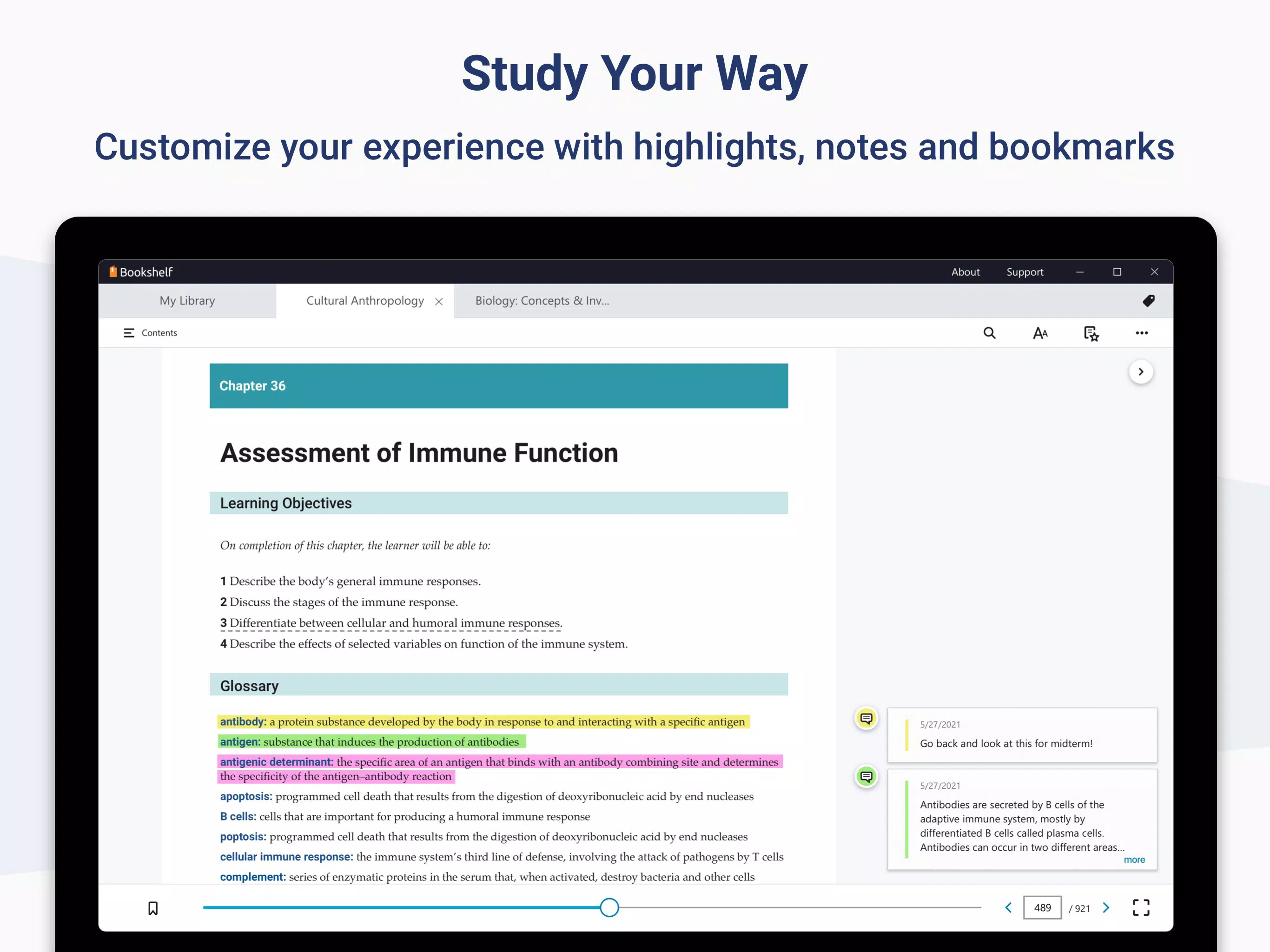
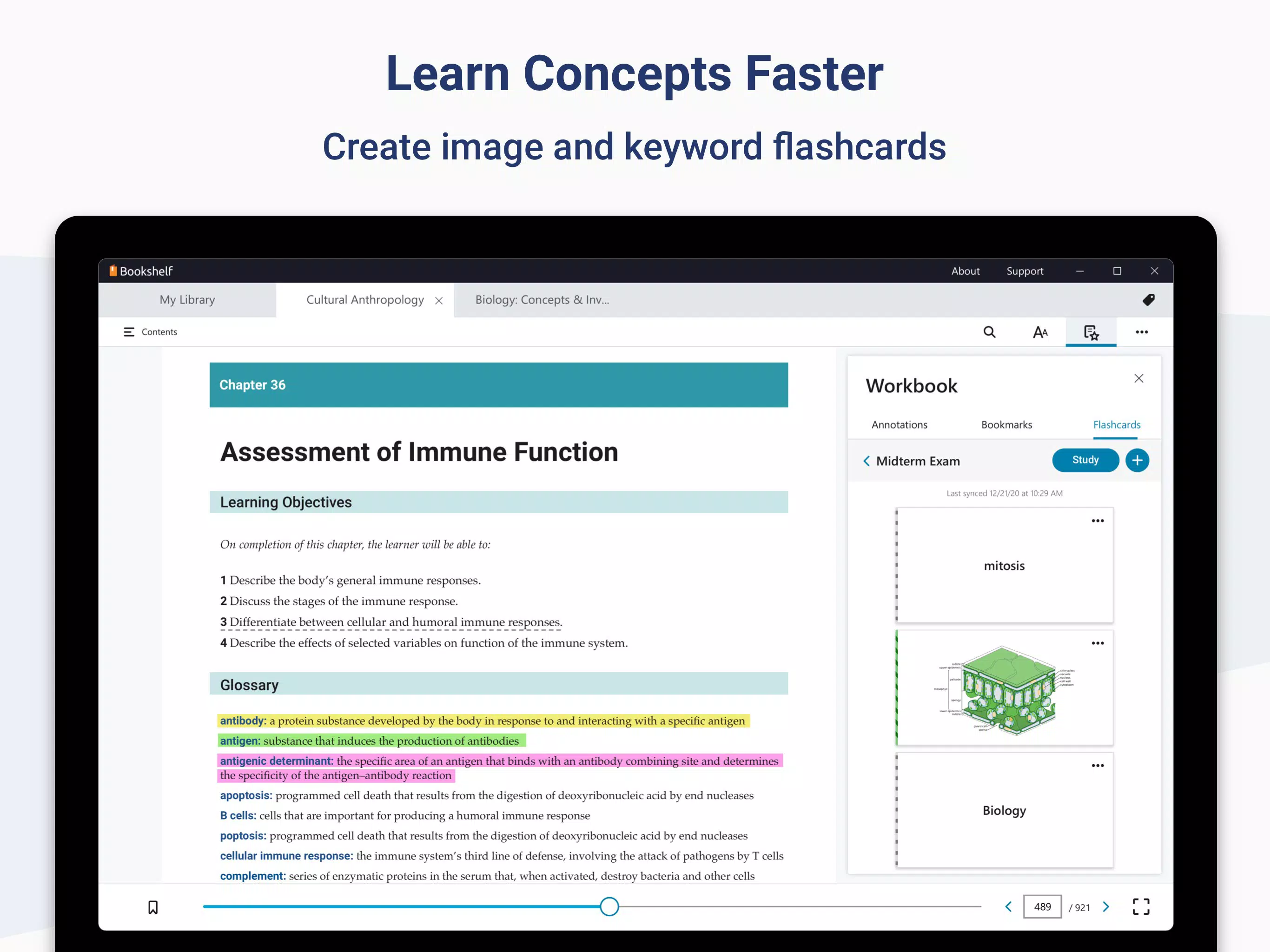
- Interactive Learning Tools: The app includes built-in features for highlighting text, adding personal notes, and creating flashcards. These tools promote active learning and improve information retention by encouraging engagement with content.
- Comprehensive Textbook Library: A wide range of textbooks across multiple academic disciplines is available, ensuring that users can find materials relevant to their courses. This extensive collection makes the platform a one-stop solution for academic reading.
- User-Friendly Interface: The layout is designed to minimize cognitive load, with intuitive navigation and clear access to key functions. Students can quickly locate chapters, search within texts, and manage their reading progress without technical difficulty.
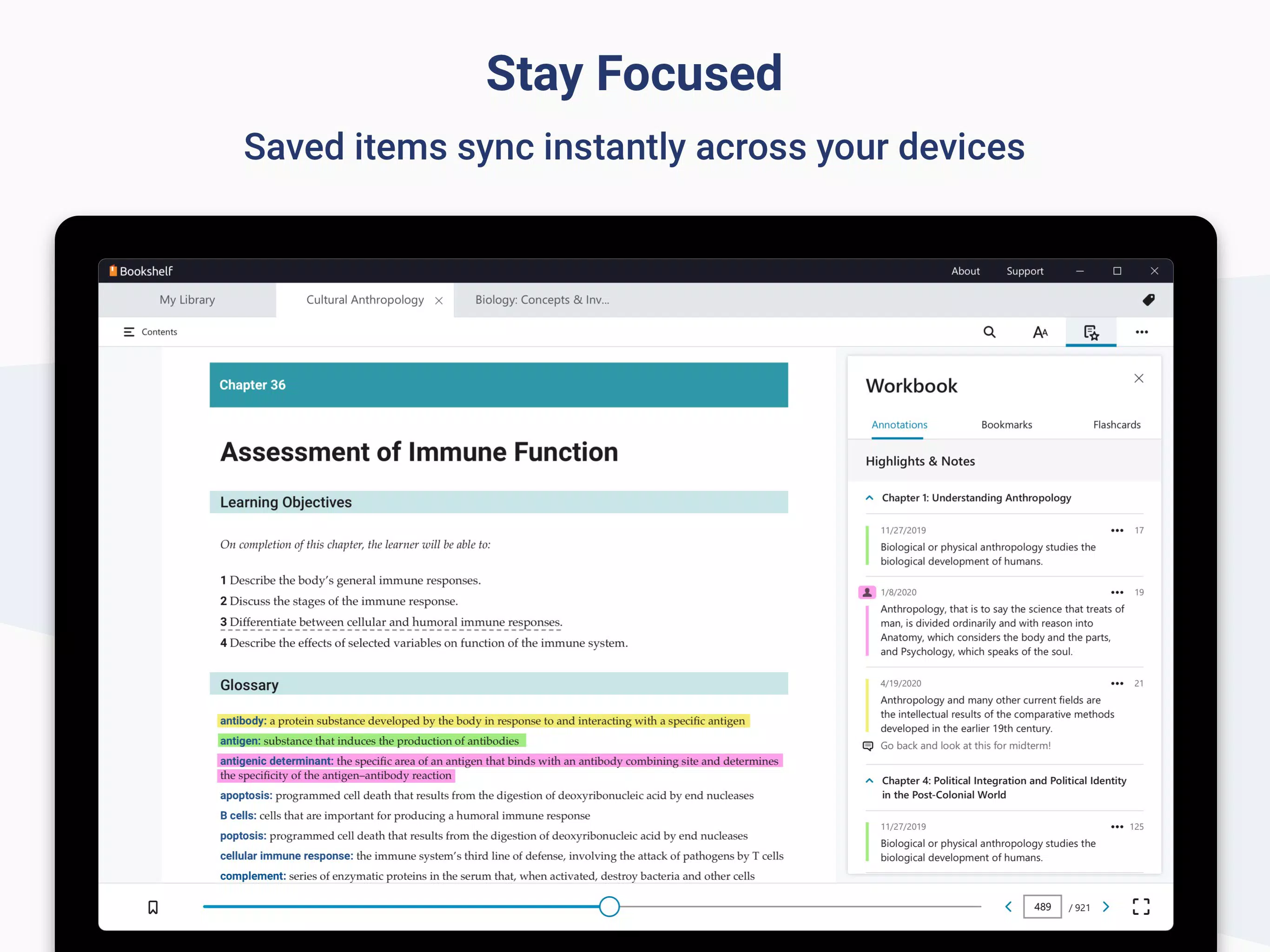
- Sync Across Devices: Progress, notes, and highlights are automatically synchronized between devices, allowing users to start reading on one computer and continue seamlessly on another. This feature supports dynamic study habits and enhances continuity.
These features collectively support real-world learning scenarios such as preparing for midterms, organizing course materials, and revising complex topics. For instance, a student can highlight key concepts during a lecture, then review them later with flashcards generated from those highlights. The integration of study tools within the reading environment reduces the need for external apps, streamlining the learning workflow.
Interface, UX & Performance
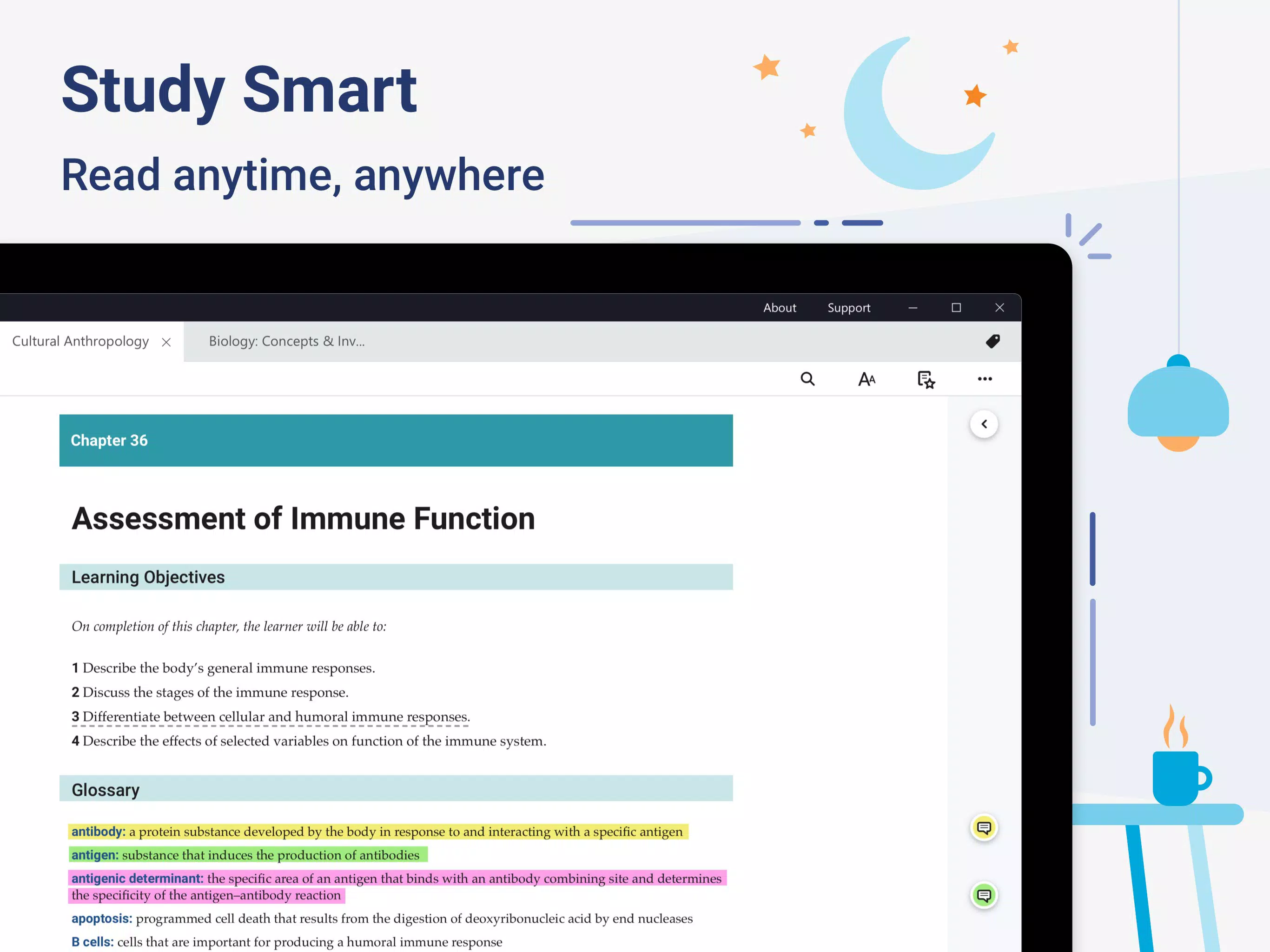
The interface of VitalSource Bookshelf is clean, minimal, and optimized for reading and studying. It uses a straightforward layout with clearly labeled menus, collapsible panels, and responsive controls that adapt to screen size. Navigation is intuitive, allowing users to move between textbooks, chapters, and features with minimal effort. The visual style prioritizes readability, with adjustable fonts, contrast settings, and a distraction-free mode to enhance focus.
Performance is consistent across various Windows device categories, though the developer did not list formal performance metrics. The app loads textbooks quickly, and interactions such as highlighting or searching are responsive. Although the developer did not specify minimum OS requirements, the app functions smoothly on standard Windows systems. Stability is maintained during extended reading sessions, with no reported crashes or freezes in available data. The app maintains a low memory footprint relative to its functionality, which is especially beneficial for users with older or less powerful machines. The overall user experience is efficient and distraction-free, aligning with the needs of students who require reliable tools for academic success.
Platform Compatibility & Technical Requirements
VitalSource Bookshelf is available exclusively on the Windows platform. The current version is 10.12.2, with a file size of 134.2 MB. This compact size ensures quick downloads and minimal storage usage on Windows devices. The app is free to download and use, with no upfront cost for access to the core features. While the developer did not specify minimum OS requirements, the app is compatible with standard Windows systems. No additional permissions or hardware requirements were listed. Users are advised to ensure their system meets general Windows compatibility standards for optimal performance. The app supports both 32-bit and 64-bit Windows architectures, though specific details were not disclosed.
Pros and Cons
Pros
- Free to download and use, reducing financial barriers to academic resources.
- Offers seamless access to digital textbooks across multiple Windows devices.
- Includes interactive tools such as highlighting, note-taking, and flashcards.
- Supports cross-device synchronization for uninterrupted study progress.
- Intuitive interface designed for ease of use by students and educators.
Cons
- Platform availability is limited to Windows only; no support for Android or iOS.
- Specific system requirements were not disclosed by the developer.
- Does not support offline reading without prior content download.
- Limited customization options for text formatting and layout.
- May require internet access for initial login and synchronization.
FAQ
Is VitalSource Bookshelf available for mobile devices?
The app is currently available only on Windows. There is no official version for Android or iOS devices.
Can I use VitalSource Bookshelf offline?
Yes, but only after downloading textbooks to your device. Offline access is possible once content is cached locally.
Is the app secure and safe to install?
Yes, VitalSource Bookshelf is developed by a reputable educational technology company and is distributed through official channels, ensuring a secure download and installation process.
How often does the app receive updates?
Regular updates are released to improve functionality, fix bugs, and enhance security. The latest version is 10.12.2.
Do I need a subscription to use VitalSource Bookshelf?
No, the app itself is free to download and use. However, access to specific textbooks may require purchase or institutional access.
Final Thoughts + CTA
VitalSource Bookshelf stands out as a reliable and efficient tool for students and educators seeking a modern approach to textbook access. Its emphasis on accessibility, interactive learning features, and cross-device synchronization makes it a valuable asset in today’s digital learning landscape. While it is limited to Windows, its free availability and robust feature set offer strong value for users who rely on digital textbooks. The app is especially beneficial for those in higher education or online learning programs who need consistent, flexible access to course materials. With its clean interface and proven functionality, VitalSource Bookshelf delivers a focused, distraction-free study environment. For anyone looking to simplify textbook management and enhance learning efficiency, this platform is a top-tier choice.
Download VitalSource Bookshelf now


